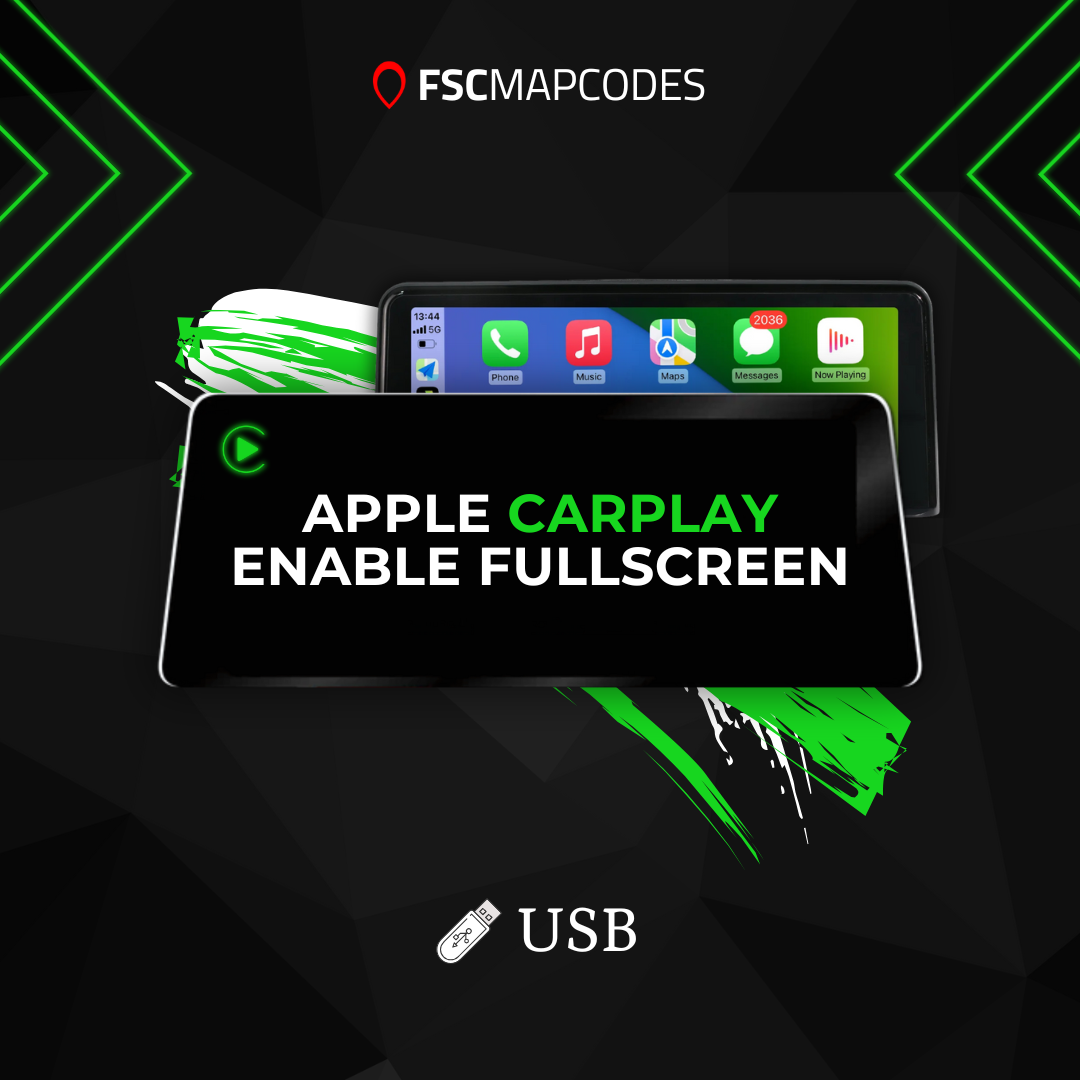
CHANGE SPLIT SCREEN CARPLAY TO FULLSCREEN - USB CODING EVO UNITS
CHANGE SPLIT SCREEN CARPLAY TO FULLSCREEN - USB CODING EVO UNITS
Couldn't load pickup availability
Convert your BMW's split-screen CarPlay to fullscreen using the USB coding method.
Firmware compatibility: Newer BMW firmware versions cannot be coded via USB, requiring cable coding instead for reliable compatibility.
Checking your version: Access Navigation Maps in your BMW. Press Options, then Settings. Select Position & Version History > Version Information.
Version guide: Software versions beginning with P, Q, R, S, U, V, W, X, or Y following NBTEvo_ require cable coding. Versions starting with N or O support both USB and cable coding methods. For cable coding, an ENET coding cable and Windows laptop (Windows 10+) are needed.
Replace your split-screen CarPlay layout with a spacious fullscreen interface. Maximize screen real estate for your CarPlay applications - Apple Maps, Google Maps, Spotify, and more benefit from expanded display space.
Important note: This enhancement modifies your existing CarPlay display. It does not add Apple CarPlay to vehicles without it. Your BMW must already have CarPlay functionality. This can be purchased together with CarPlay activation if needed. Upgrade to fullscreen CarPlay today!
Share