Home/Mercedes/Mercedes Map PIN Codes/Mercedes Map PIN Code — NTG3.5
Mercedes Map PIN Code — NTG3.5
Mercedes Map PIN Codes

Mercedes Map PIN Code — NTG3.5

Original Mercedes-Benz navigation map activation PIN for NTG3.5 head units. Pick your region — code delivered by email.
£100.00
Delivered by email
Secure checkout

Details

What's included
  • Original Mercedes-Benz code
  • Generated for your VIN
  • Email delivery

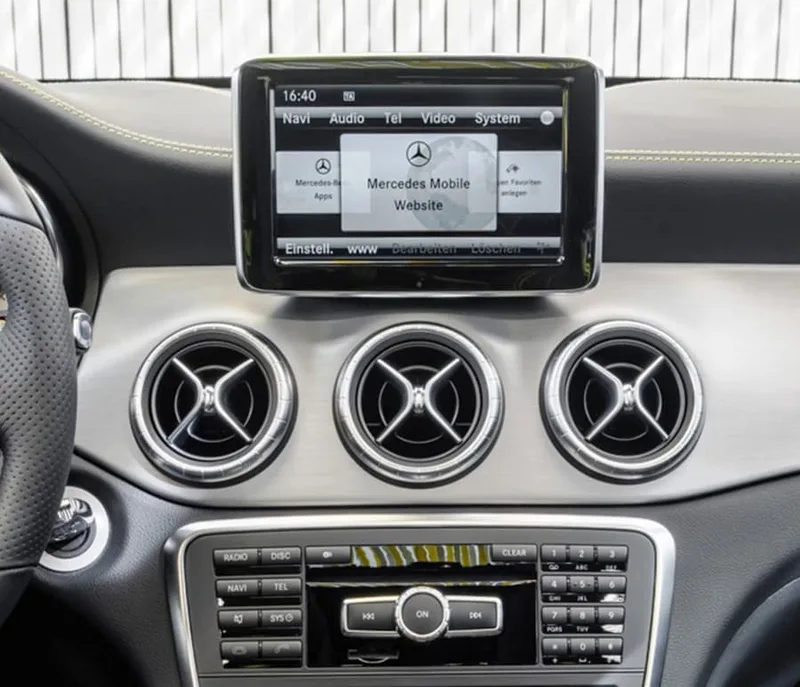
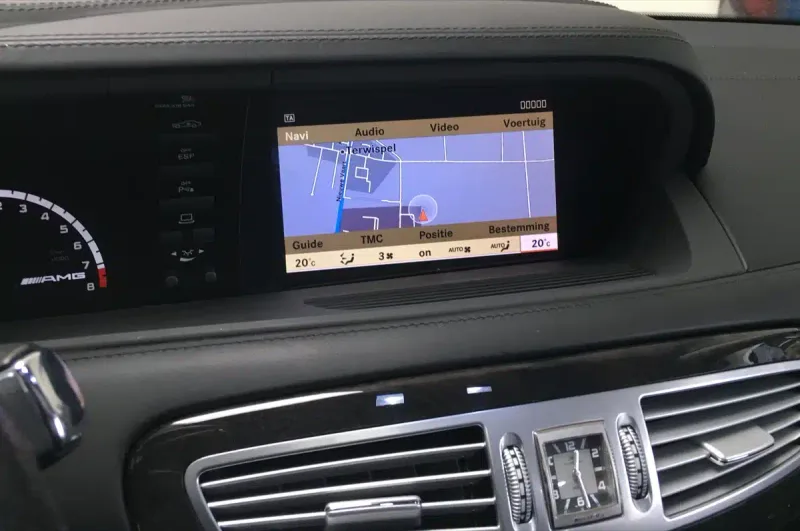
NTG3.5 is the oldest Mercedes COMAND generation that still supports map updates via USB and an activation code. Found on flagship S-Class and CL-Class facelift models from 2009.

What you receive

  • An original Mercedes-Benz activation PIN generated for your VIN and the selected map version.
  • The original Mercedes Download Manager — handles the download, file extraction, USB formatting and copy in one step. Windows-only, so a Windows PC is required to run it.

Delivery

  • Quick email delivery after purchase — your PIN and the Download Manager arrive in your inbox.

About NTG3.5

  • NTG3.5 is the oldest COMAND that still supports a map update via USB and an activation code.
  • Maps for this generation ship as several numbered folders — you work through them in sequence rather than copying a single archive.
  • Only Europe and North America are still actively supplied for NTG3.5; older regional versions are no longer available from the source.

Good to know

  • The PIN is generated against your 17-digit VIN and the specific map version — please double-check your VIN before ordering.
  • It cannot be transferred to another vehicle or paired with a different map version.
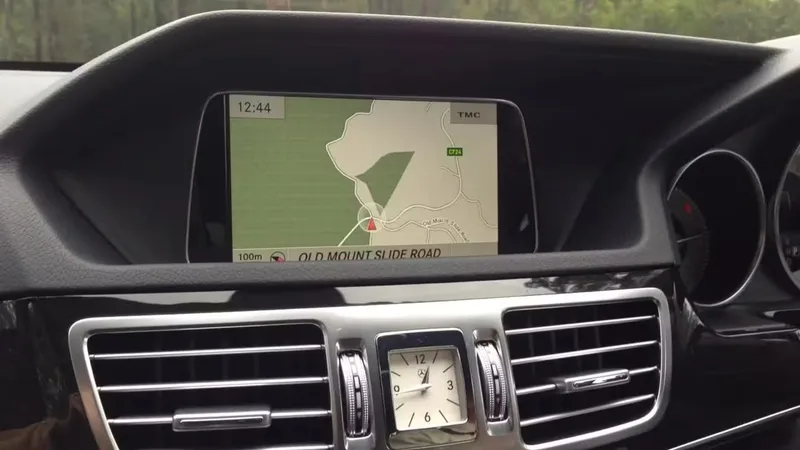
Installation

Updating the maps on a NTG3.5 head unit takes about an hour from start to finish, most of which is the file copy itself. You won’t need a workshop or coding tools — just a USB stick (or SD card on some older units) and the PIN we email you.

What you need

  • A USB stick, at least 32 GB (64 GB recommended for newer maps), formatted as FAT32 or exFAT.
  • A Windows PC — the Mercedes Download Manager we provide only runs on Windows.
  • The activation PIN we email you after ordering.
  • Your Mercedes within reach — you’ll need to keep the engine running (or the ignition on) during the update.

Step-by-step

  1. NTG3.5 ships maps as several numbered folders. Download the map files we send you and copy each numbered folder to its own USB stick — the head unit reads them in sequence.
  2. Eject each USB stick safely once it’s ready.
  3. Sit in your Mercedes and start the engine (or set ignition to position 2 / on).
  4. Insert the USB stick into the centre-console USB port (or media-interface SD slot, depending on model).
  5. Wait around 20 seconds — your COMAND / MBUX system will detect the update and prompt you with a pop-up.
  6. Confirm Start update with the iDrive-style controller.
  7. When prompted, enter the activation PIN we emailed you. The system will verify it against your VIN.
  8. Leave the USB plugged in until the update finishes — your COMAND / MBUX system will reboot automatically. Don’t turn the engine off.

Stuck? Email us with a photo of your screen and we’ll talk you through it. Most issues are USB-format related — we have a one-click formatter app that handles it for you if needed.

Compatibility

Compatible Mercedes models

  • S-Class W221 (facelift, 2009 onwards)
  • CL-Class W216 (facelift, 2009 onwards)

Other Mercedes vehicles fitted with the NTG3.5 head unit will also work. If your model isn’t listed, send us your VIN before ordering and we’ll confirm fitment.

Map coverage by region

Every region we ship for NTG3.5, with the country list and current supplier version. Pick the matching region from the variant dropdown above to confirm your country before checking out.

Europe — V11 2015 (1 territory)

  • Europe

North America — V14 2014 (2 territories)

  • USA
  • Canada

You might also like

View all